



Sensor guidesExplore
Sensors
Pinouts, wiring diagrams, and working code for every common sensor — for Arduino, ESP32, and Raspberry Pi.

Maker reference & project hub
Step-by-step projects with wiring diagrams and code, verified pinouts, a component library, free calculators, and a circuit simulator — everything you need from your first blink to a connected build.
The workbench
Practical projects and clear reference guides to help you go from an idea to a working circuit.
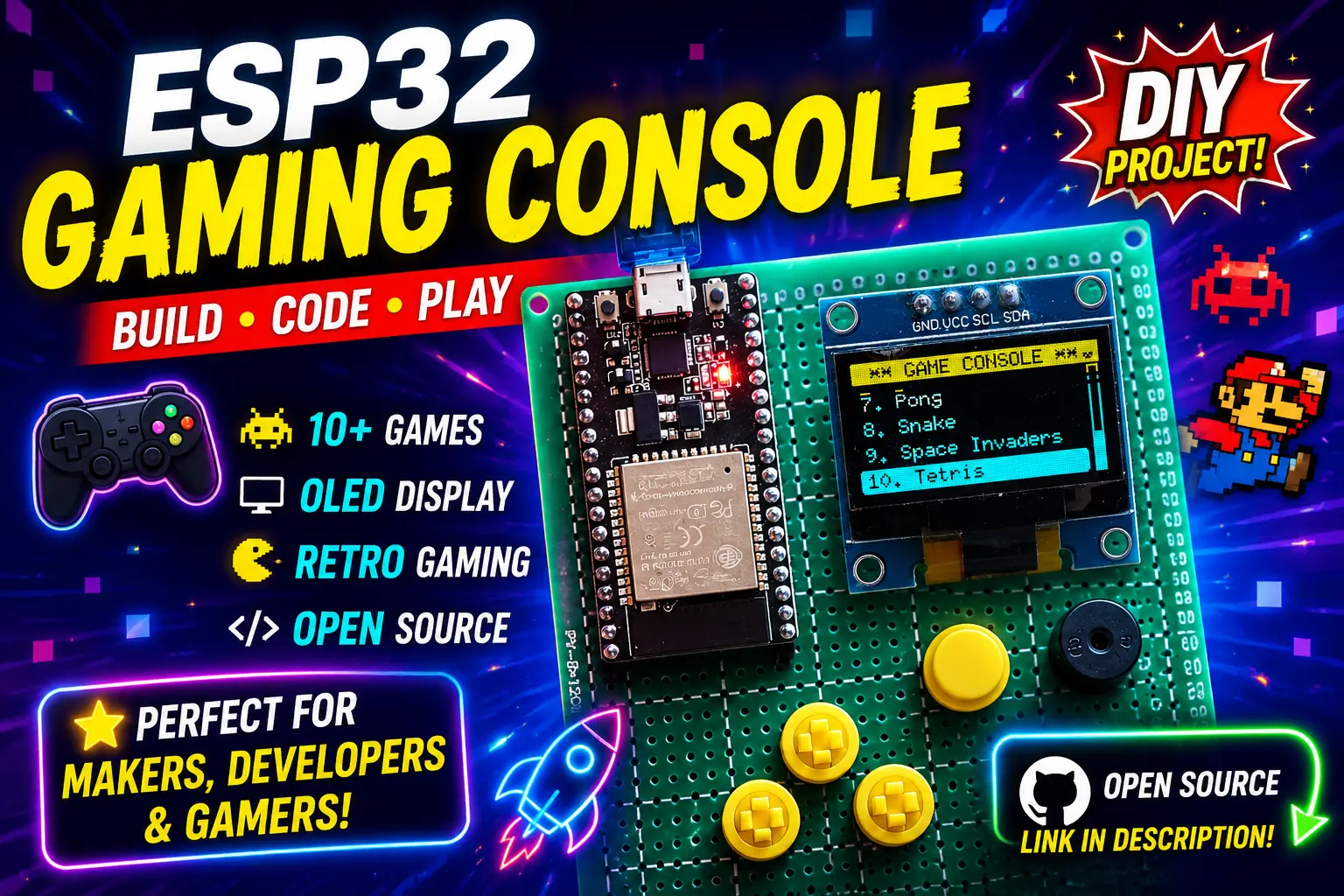
Build your own handheld mini console with ESP32, play classic games like Pacman & Tetris and learn embedded development in a fun way.
Before any OLED or BME280 works, the board has to see it. Run an I2C scan, interpret the addresses, pick pins and track down the usual causes of an empty scan.
9 min readTurn sensor readings into a live page and a JSON endpoint, refresh without reloading, cache readings so the sensor is not polled too fast and show clear stale-data status.
17 min read1ESP32I Built a Retro Gaming Console Using ESP32 and OLED Display 🎮
 2ESP8266
Control an LED Over Wi-Fi Using NodeMCU ESP8266
 3Mega
3MegaArduino Mega 2560 LED chaser Tutorial for Beginners.
 4Uno
4UnoGetting Started with Arduino Uno R3 — LED Blink Guide
 5Uno
5UnoBuild a Weather Station & Clock with Arduino Uno (DHT11 / DHT22 + RTC Module (DS3231 ) + LCD 16x2)
 6Uno
6UnoHC‑SR04 Ultrasound Distance Measurement with Arduino – Parking Alert (LCD & Buzzer)
Learn by board
OLED Weather Station with BME280 & Arduino Uno
Automatic Plant Watering System with Arduino & Soil Sensor
Ultrasonic Parking Sensor with Arduino Uno
4-Digit 7-Segment Counter with TM1637 & Arduino
Arduino RFID Door Lock with Access Log & LCD Display
IntermediateHC‑SR04 Ultrasound Distance Measurement with Arduino – Parking Alert (LCD & Buzzer)
Wire up boards and test code with no hardware needed. Explore a growing workbench for microcontroller circuits, with reusable projects, wiring, code, and serial tools. The simulator is open source and actively evolving.
Start here
LEDs, buttons and your first sensors. No prior experience needed.
Wi-Fi, displays, motors and dashboards — combine parts into real devices.
Cameras, MQTT and multi-device systems with serious wiring and code.
Quick reference
Keep these open while you wire — every pin, voltage and gotcha in one place.
16 min read
15 min read
11 min read
13 min read
15 min read
10 min read
Reference library
Pinouts, wiring diagrams, and working code for every common sensor — for Arduino, ESP32, and Raspberry Pi.
Instant tools for resistors, power budgets, PWM, LoRa airtime, I²C pull-ups — no sign-up needed.
Install commands, example code, and compatibility notes for the most-used Arduino and ESP32 libraries.
Learn
Master electronics from fundamentals to advanced embedded systems.
The core building blocks every maker needs — voltage, current, and components.
Mains power, wiring, and protection devices — the electrical side of the workbench.
The analysis techniques used to solve and simplify any circuit.
Hands-on, step-by-step guides for tools and techniques on the bench.
Bench equipment explained — what it does and how to read it.
Why SolderHub
Wiring, schematics and tested code in every guide, from beginner to advanced.
Wokwi embeds in projects plus our own browser circuit simulator — test before you solder.
Pinouts, specs and example code for sensors, displays, actuators and modules.
Resistors, power budgets, PWM, pull-ups and more — no sign-up needed.
FAQ
SolderHub is a maker reference and project-sharing platform for Arduino, ESP32, ESP8266, Raspberry Pi and related boards. It combines step-by-step projects with wiring and code, pinout and component guides, calculators and a circuit simulator.
Not to begin. Many projects embed a Wokwi simulation, and the SolderHub circuit simulator runs circuits in your browser, so you can test wiring and code before buying parts. The simulator is still early-stage and improving.
Start with the Beginner projects, keep the pinout guides open while you wire, and use the calculators for values like resistors. Each project lists the parts and code you need.
Arduino boards such as Uno and Mega, ESP32 and ESP8266, and Raspberry Pi, with more board families being added. Browse them all on the Boards page.
Yes. Use Submit a project to add your guide with schematics, code and an optional Wokwi simulation. Submissions are reviewed before they are published.
Newsletter
New pinouts, wiring diagrams, and project walkthroughs — no spam, unsubscribe anytime.
New builds land in your inbox as they're published
Community
Submit a guide with schematics, code, and a SolderHub Simulator project — join the makers already featured on SolderHub.