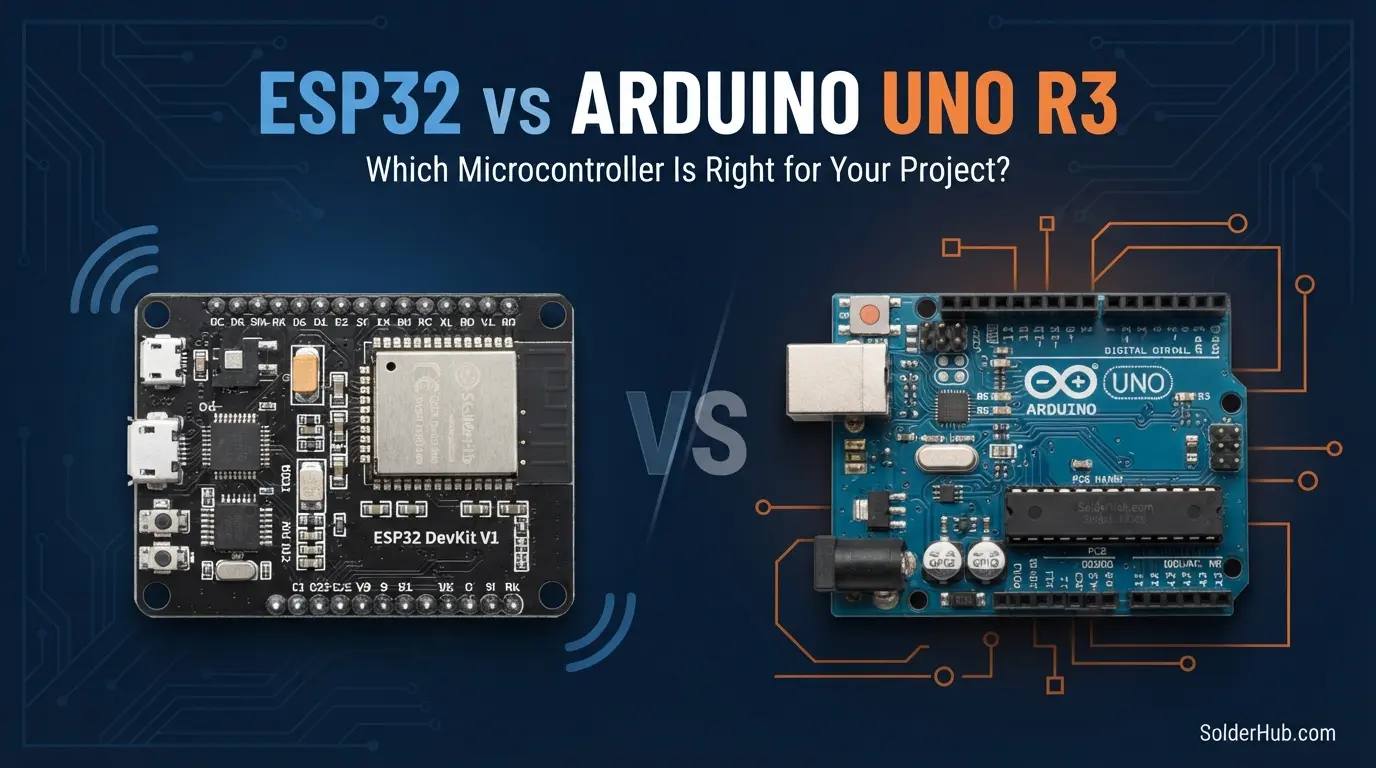
"ESP32 or Arduino?" is one of the most asked questions in electronics forums, and the usual answer, "it depends", doesn't help someone deciding which board to order. This guide gives a straight answer, then the reasons, so you can tell which case you're in.
Quick answer:
- Choose an ESP32 if the project needs Wi-Fi or Bluetooth, a web page, MQTT, a phone app, a camera, audio, or more memory than 2 KB. That covers most new projects in 2026.
- Choose an Arduino Uno if you're learning electronics from zero, using 5 V sensors and shields, teaching a class, or building a simple, self-contained gadget.
- Want both? The Arduino Uno R4 WiFi (Uno shape and 5 V pins, with an ESP32-S3 for Wi-Fi) and the Arduino Nano ESP32 sit in between.
They aren't really competitors. The Uno is built to be simple and forgiving; the ESP32 is built to be capable and connected. Both use the Arduino IDE and the same C++ language, so what you learn on one carries over to the other.
ESP32 vs Arduino Uno: Specs Side by Side
| Arduino Uno R3 | ESP32 DevKit V1 | Arduino Uno R4 WiFi | |
|---|---|---|---|
| Chip | ATmega328P, 8-bit | ESP32, 32-bit dual-core Xtensa | Renesas RA4M1 (32-bit) + ESP32-S3 |
| Clock | 16 MHz | 240 MHz | 48 MHz |
| RAM | 2 KB | 520 KB | 32 KB |
| Flash | 32 KB | 4 MB | 256 KB |
| Logic level | 5 V | 3.3 V (not 5 V tolerant) | 5 V |
| Digital / analog pins | 14 / 6 | ~25 usable / up to 15 analog | 14 / 6 |
| ADC | 10-bit, linear | 12-bit, less linear | 14-bit |
| Wi-Fi / Bluetooth | No | Wi-Fi 4 + Bluetooth Classic and BLE | Wi-Fi 4 + BLE |
| Typical price (India) | ₹400–600 clone, more for genuine | ₹350–500 | ₹2,500+ genuine |
On paper the ESP32 wins almost every row: 15 times the clock, a 32-bit core instead of 8-bit, 260 times the RAM, and wireless built in, often for less money. The rows that keep the Uno relevant are the logic level and how simple the board is to get right, which the spec sheet doesn't show.
For the full pin maps, see the Arduino Uno pinout and the ESP32 pinout.
Where the Arduino Uno Still Wins
It's simple, and it forgives mistakes
An Uno has one program, one core, and pins that all behave the same way. There are no boot-mode pins to avoid, no wireless stack, and no partition settings. Install the IDE, pick Arduino Uno, click Upload, and it works. When something goes wrong, there are fewer places for the fault to hide.
The ESP32 asks for more care. Six of its GPIOs are wired to the flash chip and must not be used, four more are inputs only, a few decide how the board boots, and every pin is 3.3 V. None of that is a design flaw, but each is a way for a beginner's first circuit to fail for a reason that's hard to see.
5 V sensors, modules and shields just plug in
Most classic hobby parts, including relay modules, the HC-SR04 ultrasonic sensor, character LCDs and many shields, were designed around 5 V. On an Uno they connect directly. On an ESP32 a 5 V output needs a divider or level shifter, and the Uno-format shield ecosystem doesn't fit at all.
A cleaner ADC
The Uno's 10-bit ADC is lower resolution, but it's linear from 0 to 5 V. The ESP32's 12-bit ADC has dead zones near 0 V and the top of its range, and half its channels stop working when Wi-Fi is on. For a simple potentiometer or analog sensor reading, the Uno is often the less surprising board. The details are in ESP32 ADC pins: ADC1 vs ADC2.
⚠️ Warning
Every ESP32 GPIO is 3.3 V and not 5 V tolerant. A 5 V signal on a GPIO can permanently damage the chip, and GPIO 6–11 on most ESP32 boards connect to the flash memory, so wiring anything to them stops the board from booting.
Timing that's easy to predict
On an Uno, nothing runs except your sketch and its interrupts, so bit-banged timing, such as a tight loop toggling a pin or counting fast encoder pulses in software, is very repeatable.
The ESP32 runs FreeRTOS underneath, and the Wi-Fi stack takes CPU time when it needs it, so software-timed loops can jitter by tens of microseconds. In practice this matters less than it sounds, because the ESP32 has hardware for the jobs that need precise timing: LEDC and MCPWM for PWM and motor control, the RMT peripheral for pulse trains such as WS2812 LEDs and IR, and a hardware pulse counter for encoders. Use those, and the ESP32 is the more precise board. Where the Uno really wins is that its simple approach works without learning those peripherals.
Low power, with a big asterisk
A bare ATmega328P in power-down sleep draws well under 1 µA, so an Arduino Pro Mini with its LED and regulator removed can run a simple sensor for years on batteries. A standard Uno board can't: its USB chip and regulator draw tens of milliamps all the time.
The ESP32 chip sleeps at around 10 µA, also excellent, but typical dev boards add 1 mA or more through their regulator and USB chip, and each Wi-Fi transmission costs about 100–250 mA for a second or two. An ESP32 can run for months on one cell, but you have to design for it: a low-quiescent regulator, short Wi-Fi sessions and careful sleep code. The ESP32 deep sleep and battery life guide works through the numbers.
Where the ESP32 Wins Clearly
Anything that talks to a network or a phone
This is the deciding factor for most projects. Wi-Fi and Bluetooth are on the chip, so sending readings to a dashboard, controlling a relay from your phone, serving a web page or talking to Home Assistant needs no extra hardware. Connecting takes a few lines:
Adding Wi-Fi to an Uno R3 means an ESP-01 module or a Wi-Fi shield, extra wiring, AT commands or a second firmware to manage, and usually more money than an ESP32 costs on its own. For a new connected project, it rarely makes sense. For connection code that copes with timeouts and dropouts, see the ESP32 Wi-Fi tutorial.
Processing power and memory
HTTPS with TLS, JSON from a web API, an FFT on microphone audio, a colour TFT display, camera frames on an ESP32-CAM: none of these fit in the Uno's 2 KB of RAM. It isn't a matter of the Uno being slower; the data simply doesn't fit. With 520 KB of RAM and two 240 MHz cores, the ESP32 runs all of them.
More peripherals on one chip
The ESP32 has 2 I2C buses, 2 usable SPI buses, 3 UARTs, 10 capacitive touch pins, a 2-channel DAC (original ESP32 only), hardware PWM on almost any pin, and hardware encryption. A busy project, say a display, an SD card, a GPS module and a few sensors at once, fits without the pin juggling an Uno forces on you.
MicroPython
The ESP32 also runs MicroPython, so you can program it in Python and test code line by line in the REPL. The Uno R3 can't run it. See installing MicroPython on the ESP32.
Which Board for Which Project
| Project | Better choice | Why |
|---|---|---|
| First steps in electronics | Arduino Uno | Simplest setup, 5 V parts, forgiving |
| LEDs, buttons, simple analog sensors | Arduino Uno | Nothing to gain from more power |
| Classroom or workshop kits | Arduino Uno | Fewer failure modes per student |
| Projects built on Uno shields | Arduino Uno (or Uno R4) | Shield footprint and 5 V |
| Wi-Fi, MQTT, web dashboard, phone control | ESP32 | Wireless built in |
| Home automation, Home Assistant | ESP32 | Wi-Fi, ESPHome support |
| Camera, face detection, streaming | ESP32-CAM / ESP32-S3 | RAM and camera interface |
| Audio, FFT, voice | ESP32 | RAM, I2S, dual core |
| Motor and servo control | Either | Uno for simplicity; ESP32 hardware PWM for precision |
| Coin-cell or multi-year battery sensor | Pro Mini (ATmega328P) | Lowest sleep current with least effort |
| Battery sensor that reports over Wi-Fi | ESP32 | Deep sleep plus short Wi-Fi bursts |
The pattern: the Uno wins where simplicity, 5 V or shields decide it; the ESP32 wins where connectivity, memory or speed decide it.
Setup: A Few More Steps on the ESP32
An Uno works in the Arduino IDE out of the box. An ESP32 needs three extra things the first time: add the esp32 by Espressif board package in the Boards Manager, possibly install a CP210x or CH340 USB driver, and on some boards hold the BOOT button when the upload starts. It's ten extra minutes, once. For a complete beginner, though, those ten minutes come before they've seen an LED blink, which is why many teachers still start on an Uno.
The Memory Wall That Pushes People to the ESP32
A common path: an Uno project works, then you add a display, a few sensors, some String messages, and it starts resetting at random, printing garbage or freezing. There's rarely a clear "out of memory" error. The Uno's 2 KB of RAM has run out, and the stack has overwritten other variables.
Before moving boards, check how much RAM is left. Wrapping fixed text in F("...") keeps it in flash instead of RAM and often buys back hundreds of bytes:
This sketch prints the free RAM on an Uno. Call freeRam() again after adding each feature and watch the number fall; below about 200 bytes, expect trouble.
So Which Should You Buy?
Total beginner? Start with an Arduino Uno (a good R3 clone is fine). You'll spend your early effort on "why won't my LED light up", which teaches electronics, instead of "why won't my board enter flash mode", which doesn't. Try circuits first in the free SolderHub Simulator, which runs Uno and ESP32 sketches in the browser.
Building something connected? Buy an ESP32 DevKit. For most intermediate projects in 2026, it's the default board.
Want Uno simplicity and Wi-Fi? The Arduino Uno R4 WiFi keeps the Uno shape and 5 V pins and adds Wi-Fi and BLE through an onboard ESP32-S3. It costs more, but shields still fit.
Not sure? Buy one of each. Together they cost less than many single dev boards, and having both lets you pick per project instead of forcing every build onto one board.
Moving from one to the other later is easy: the IDE, the language and most libraries (Wire, SPI, Servo-style libraries, most sensor drivers) work on both. What changes is the pin numbers, the 3.3 V logic and the new things you can do.
FAQ
Is the ESP32 an Arduino? No. The ESP32 is a chip made by Espressif. It can be programmed with the Arduino IDE and Arduino libraries through Espressif's board package, which is why the two get compared. Arduino also sells its own ESP32 boards, such as the Nano ESP32.
Can I use Arduino code on an ESP32? Mostly, yes. Code that uses standard Arduino functions runs after you change the pin numbers. Code that uses AVR registers directly, or libraries written only for AVR, doesn't.
Is the ESP32 harder for beginners? A little: 3.3 V logic, pins to avoid and a slightly longer setup. Plenty of beginners start on it successfully, especially if their first project needs Wi-Fi.
Can an ESP32 replace an Arduino Mega? For pin count, not quite: the Mega has 54 digital pins. For RAM, speed and connectivity, yes, easily. See Arduino Mega vs Uno if pins are your limit.
Can I connect 5 V sensors to an ESP32? Power them from 5 V if they need it, but bring their output signals down to 3.3 V with a divider or level shifter. I2C modules with their own regulator and pull-ups to 3.3 V usually work directly.
Which uses less power? A bare ATmega328P, with least effort. A well-designed ESP32 board can also run for months on a battery; a standard Uno board can't.
The Bottom Line
There's no single winner, only a better fit per project. The Arduino Uno is the simple, forgiving board for learning, 5 V parts and self-contained gadgets. The ESP32 is the capable, connected board for almost anything that talks to a network, needs memory, or does real processing. Pick the one that matches what you're building this week, and know that the skills move with you.
Related guides: ESP32 pinout · Arduino Uno pinout · Uno R3 vs R4 · ESP32 Wi-Fi tutorial · Install MicroPython on the ESP32