

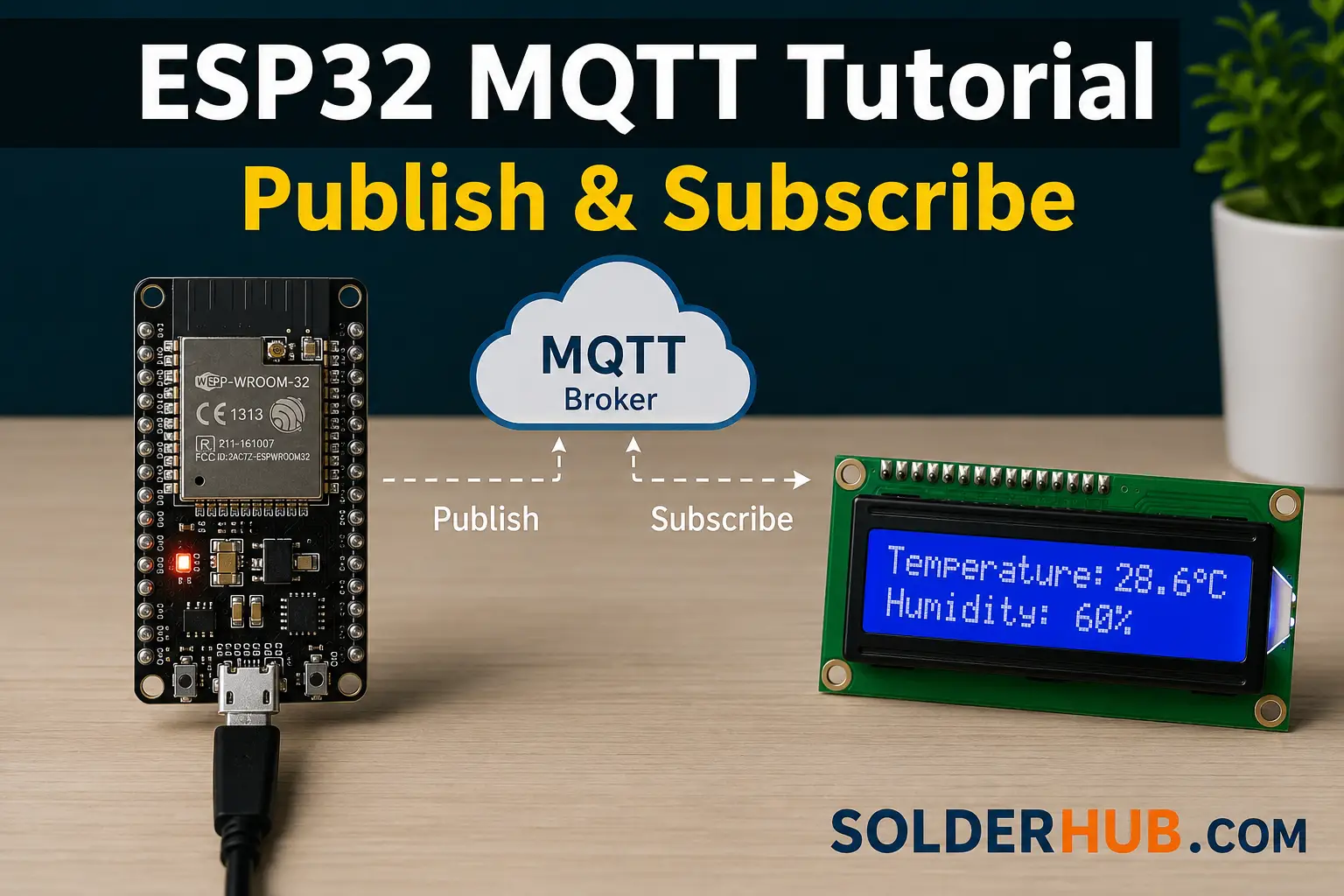
Most ESP32 projects start by polling a server over HTTP — the board checks in every few seconds, asks if anything changed, and gets an answer whether or not there's anything new to report. That works, but it wastes bandwidth, adds latency, and doesn't scale past a handful of devices talking to a handful of endpoints.
MQTT solves this by flipping the model: instead of devices asking "did anything change?", devices publish updates the moment they happen, and anything interested simply gets notified. It's the protocol underneath most serious IoT platforms for a reason — lightweight enough for a microcontroller, and built specifically for the unreliable networks and constrained hardware ESP32 projects run on.
This guide covers the protocol itself — brokers, topics, QoS, retained messages, and the Last Will and Testament feature most tutorials skip — then walks through wiring an ESP32 up as both a publisher and a subscriber using the Arduino IDE.
MQTT vs HTTP Polling: Why It Matters on a Microcontroller
The difference isn't just architectural elegance — it shows up directly in battery life and network load, which matters more on an ESP32 than on a server.
| HTTP Polling | MQTT | |
|---|---|---|
| Connection model | New request every interval, even with nothing to report | One persistent connection, open the whole session |
| Latency on change | Up to a full polling interval late | Near-instant — pushed the moment it's published |
| Overhead per update | Full HTTP headers every request | A few bytes of MQTT framing per message |
| Two-way communication | Requires a second endpoint or long-polling hack | Built in — subscribe to a command topic on the same connection |
| Battery impact | Radio wakes for every poll, whether or not there's new data | Radio only transmits when there's actually something to send |
The battery impact matters most for anything running on a coin cell or LiPo: an ESP32 polling an HTTP endpoint every 10 seconds keeps the Wi-Fi radio working constantly regardless of whether the answer ever changes, while an MQTT connection sits idle — sending only a lightweight keep-alive ping — until there's an actual message to move.
How MQTT Actually Works
MQTT (Message Queuing Telemetry Transport) is a publish-subscribe protocol, which is a fundamentally different shape than the request-response pattern HTTP uses. Three pieces make it work:
The broker is a server that sits in the middle and does nothing except route messages. Devices never talk to each other directly — they publish messages to the broker, and the broker forwards them to anyone subscribed to that topic. Mosquitto is the most common self-hosted broker; HiveMQ Cloud, AWS IoT Core, and Adafruit IO are managed alternatives that remove the hosting question entirely.
Topics are the addressing system — a slash-separated string like home/livingroom/temperature that a message gets published to and a subscriber listens on. Topics aren't declared in advance; they're created the first time something publishes to them. Wildcards make subscribing to groups of topics possible: + matches exactly one level (home/+/temperature catches every room), and # matches everything below a point (home/# catches the entire house).
Publish and subscribe are the only two verbs that matter. A device publishes a message to a topic; any device subscribed to that topic (or a wildcard matching it) receives it, instantly, with no polling involved. A single ESP32 can be both at once — publishing sensor readings on one topic while subscribed to a command topic on the same connection.
Quality of Service, Retained Messages, and Last Will
Three MQTT features come up in almost every real project, and skipping them is the difference between a demo and something that survives a flaky Wi-Fi connection.
QoS (Quality of Service) controls the delivery guarantee per message, set by the publisher:
| QoS | Guarantee | Use case |
|---|---|---|
| 0 | Fire and forget — no confirmation | Frequent sensor readings where an occasional dropped message doesn't matter |
| 1 | At least once — may arrive duplicated | Commands and state changes that must arrive, where a duplicate is harmless |
| 2 | Exactly once — slowest, most overhead | Billing-sensitive or one-shot actions where a duplicate would cause a real problem |
Most ESP32 sensor projects sit comfortably at QoS 0 or 1; QoS 2's extra handshake rarely earns its overhead on a microcontroller.
Retained messages solve a timing problem specific to pub/sub: a subscriber that connects after a message was published simply never sees it, since MQTT doesn't replay history. Publishing with the retain flag set tells the broker to hold onto that message and immediately hand it to any new subscriber the moment they subscribe — the standard pattern for "what's the current state" topics like device/status or sensor/latest-reading.
Last Will and Testament (LWT) handles the opposite problem: detecting when a device disappears. When the ESP32 first connects, it registers a will message with the broker — a topic, payload, QoS, and retain flag — that the broker publishes automatically if the connection drops without a clean disconnect. Pair an LWT of offline with a retained online message published right after connecting, and every subscriber always has an accurate, real-time answer to "is this device actually still there?", without any polling or timeout logic on the receiving end.
Choosing a Broker
| Option | Cost | Best for |
|---|---|---|
Public test brokers (broker.hivemq.com, test.mosquitto.org) | Free | Following a tutorial, quick prototyping — never production, since anyone can read or publish to any topic |
| Self-hosted Mosquitto (Raspberry Pi, home server) | Free | Full control, works offline from the internet, ideal for a home automation setup |
| HiveMQ Cloud / Adafruit IO | Free tier, then paid | No server to maintain, TLS and authentication handled for you |
| AWS IoT Core / Google Cloud IoT | Pay-as-you-go | Fleets of devices, integration with a broader cloud pipeline |
For following this guide, a public test broker is the fastest path to a working result. For anything beyond a first test, self-hosting Mosquitto (it runs comfortably on a Raspberry Pi Zero 2 W) or a managed broker with authentication is the right call — public brokers have no access control, which means any topic is visible and writable by anyone else using that same broker at that moment.
Hardware and Library Setup
This example builds an ESP32 that does both jobs at once: it publishes a DHT22 temperature reading every few seconds, and it subscribes to a command topic to switch an LED on or off remotely.
Hardware: an ESP32 dev board, a DHT22 (or DHT11) temperature/humidity sensor, an LED with a current-limiting resistor, and a breadboard.
Libraries, installed through the Arduino IDE's Library Manager:
- PubSubClient by Nick O'Leary — the standard lightweight MQTT client for Arduino-class boards.
- ArduinoJson by Benoit Blanchon — for building a structured JSON payload instead of a bare number, so the same message can carry temperature, humidity, and a timestamp together.
- DHT sensor library by Adafruit — for reading the DHT22.
Why PubSubClient and not AsyncMqttClient? You'll see both in the wild. PubSubClient (used here) is synchronous — the code runs top to bottom and client.loop() has to be called regularly to process incoming messages, which is simple to reason about and enough for the vast majority of sensor/actuator projects. AsyncMqttClient is event-driven — it fires a callback the instant a message arrives without needing a polling call in loop(), which matters if the rest of your sketch is doing something that can't be interrupted often (driving a display, running a web server, handling many simultaneous subscriptions). For a single sensor publishing every few seconds and listening for occasional commands, like this project, PubSubClient's simplicity wins; reach for AsyncMqttClient once the sketch is doing enough else that loop() isn't getting called often.
| ESP32 Pin | Connects To | Notes |
|---|---|---|
| 3V3 | DHT22 VCC | DHT22 runs on 3.3V — don't use 5V/VIN |
| GND | DHT22 GND, LED cathode (via resistor) | Shared ground rail |
| GPIO 4 | DHT22 data pin | Matches #define DHTPIN 4 in the sketch |
| GPIO 2 | LED anode, through a 220–330Ω resistor | Matches #define LED_PIN 2; GPIO 2 is also the onboard LED on most dev boards |
If you relocate either connection, update the matching #define at the top of the sketch — the pin numbers in code and on the breadboard have to agree.
A few details in this code matter more than they look. The client ID includes a random suffix — MQTT brokers reject a second connection using an ID already in use, which is the single most common reason a "working" sketch suddenly stops connecting once a second device (or a second upload of the same sketch) joins. The reconnect logic runs inside the main loop, not just in setup(), since Wi-Fi and MQTT connections both drop periodically on real networks and a sketch that only connects once will silently stop publishing after the first disconnect. And the Last Will is registered directly in the connect() call — it has to be, since a will message only works if it's set at connection time, not published separately afterward.
Testing Without Writing a Second Sketch
Verifying this works doesn't require a second ESP32 or a phone app — a free tool called MQTT Explorer connects directly to the same broker and shows every topic and message in a live tree view, which makes debugging dramatically faster than staring at Serial Monitor output alone. Point it at test.mosquitto.org, and the solderhub/esp32-01/sensor topic should update every five seconds with the JSON payload; publishing ON or OFF to solderhub/esp32-01/led from inside MQTT Explorer should flip the physical LED in real time.
The command-line equivalents, if a GUI tool isn't available, are the mosquitto_sub and mosquitto_pub utilities that ship with the Mosquitto broker package:
# Watch everything under this device's topics
mosquitto_sub -h test.mosquitto.org -t "solderhub/esp32-01/#" -v

# Turn the LED on from the command line
mosquitto_pub -h test.mosquitto.org -t "solderhub/esp32-01/led" -m "ON"
If the sensor topic never updates, the most common causes are a Wi-Fi credential typo, a broker hostname that's unreachable from the network the ESP32 joined, or a client ID collision with another device (or another browser tab of MQTT Explorer) already connected under the same ID.
Securing the Connection: TLS for Production
Everything up to this point runs on port 1883 — unencrypted, unauthenticated MQTT. That's fine for test.mosquitto.org, but not for a broker with real credentials or a device controlling something in a home. Moving to a production broker (HiveMQ Cloud, AWS IoT Core, or a self-hosted Mosquitto with certificates enabled) means switching from WiFiClient to WiFiClientSecure and connecting on the encrypted port — typically 8883 instead of 1883.
The code change is small, but three details matter:
- Swap the client class.
WiFiClientSecure espClient;replacesWiFiClient espClient;—PubSubClientwraps whichever client you hand it, so the rest of the sketch is unchanged. - Load a root CA certificate.
espClient.setCACert(root_ca)tells the ESP32 which certificate authority to trust when verifying the broker's TLS certificate. Managed brokers like HiveMQ Cloud and AWS IoT Core publish the exact root CA to use in their connection docs — paste it in as a PEM string. - Budget extra RAM and a slower first connect. The TLS handshake takes real memory and a second or two longer than a plaintext connection — noticeable but not a problem on the ESP32's dual-core setup with its 520KB of SRAM, unlike on more memory-constrained boards.
#include <WiFiClientSecure.h>

const char* root_ca = R"EOF(
-----BEGIN CERTIFICATE-----
... paste the broker's root CA certificate here ...
-----END CERTIFICATE-----
)EOF";

WiFiClientSecure espClient;
PubSubClient client(espClient);

void setup() {
  // ...
  espClient.setCACert(root_ca);
  client.setServer(mqtt_server, 8883);   // 8883, not 1883
  client.setCallback(callback);
}
Most managed brokers also require a username and password on client.connect() — pass them as the second and third arguments instead of NULL, NULL:
client.connect(clientId.c_str(), mqtt_user, mqtt_pass,
                topic_status, 1, true, "offline");
For anything beyond this tutorial's public test broker, TLS plus authentication isn't an optional hardening step — it's the difference between a private device and one anyone on the internet can read from or write to.
Common Mistakes
- Publishing to inconsistent topic names across devices.
Solderhub/ESP32-01/Sensorandsolderhub/esp32-01/sensorare two entirely different topics to an MQTT broker — topic names are case-sensitive, and a typo here fails silently rather than throwing an error. - No naming convention as the device count grows. A single ESP32 can get away with a loose topic name; a house full of them can't. A structure like
<project>/<device-id>/<measurement>(exactly what this guide's example code uses) keeps wildcards likesolderhub/+/sensoruseful for a dashboard subscribing to every device at once, instead of hardcoding a separate subscription per device. - Using a public broker for anything beyond testing.
test.mosquitto.organdbroker.hivemq.comhave no authentication — any topic used on them is visible to, and writable by, anyone else connected to that broker at the same time. Fine for following this guide, not fine for a real device controlling something in a home. - Forgetting the retain flag on status topics. Without
retain = trueon theonline/offlinestatus message, a dashboard that loads after the device already connected has no way to know the device's current state until the next status change happens. - Never handling a dropped connection. A sketch that calls
client.connect()once insetup()and never again looks like it works during a demo, then goes silent the first time the router reboots or Wi-Fi drops for a few seconds.
Where to Go Next
This covers MQTT as a protocol, independent of any particular platform. For wiring the same ESP32 directly into a home automation dashboard, see SolderHub's guide to MQTT with ESP32 and Home Assistant, which picks up from here and adds MQTT discovery, entity configuration, and dashboard cards on top of the publish/subscribe foundation covered above.