What You'll Build
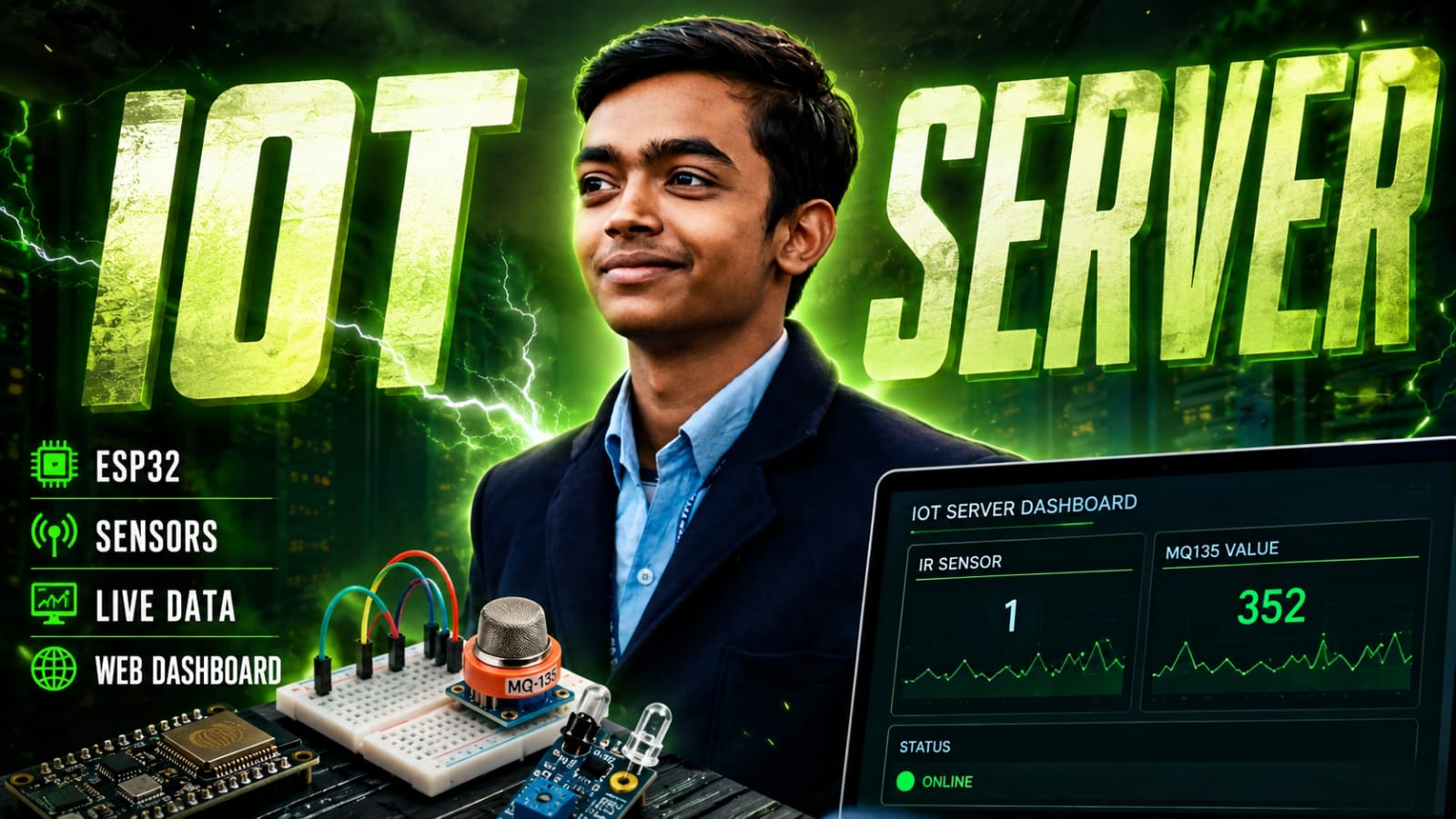
Two ESP32 boards talk to each other over WiFi — no cloud, no MQTT broker, no extra hardware. One board reads an IR motion sensor and an MQ135 air quality sensor every second and pushes the data over HTTP to the second board, which hosts a live web dashboard you can open in any browser on the same network.
It's a clean introduction to ESP32-to-ESP32 communication, analog sensor reading, and building your own mini IoT server — all with the Arduino framework.
What You'll Learn
- How to send sensor data between two ESP32s using plain HTTP GET requests
- How to host a web server on an ESP32 with WebServer.h
- How to read a digital IR sensor (GPIO 18) and an analog MQ135 gas sensor (ADC, GPIO 32)
- How to build a self-refreshing HTML dashboard served directly from the ESP32
Components
6 itemsComplete Code For : Client (Sensor Node)
Complete Code For : Server (Dashboard + Data Receiver)
How It Works
The project is split into two roles:
ESP32 #1 — Sensor Client Reads the IR sensor (digital) and MQ135 (analog) every 1000 ms. It builds a simple HTTP GET URL like:
http://10.193.65.33/update?ir=1&mq=412
…and fires it at the server ESP32. That's it. No parsing, no JSON, no overhead.
ESP32 #2 — Web Server
Listens on port 80. When /update is hit, it stores the latest ir and mq values. When any browser visits / , it serves a dark-themed HTML dashboard that auto-refreshes every 2 seconds, showing both values live.
Circuit / Wiring
ESP32 #1 (Client — Sensor Node)
| Sensor Pin | ESP32 Pin |
|---|---|
| IR OUT | GPIO 18 |
| MQ135 AOUT | GPIO 32 |
| VCC (both sensors) | 3.3V or 5V |
| GND (both sensors) | GND |
💡 Tip
GPIO 32 is on ADC1, which works reliably even with WiFi active. Avoid ADC2 pins (GPIO 0, 2, 4, 12–15) when using WiFi — they are shared with the WiFi radio and will give incorrect readings.
ESP32 #2 Server (Dashboard + Data Receiver)
No sensors needed. Just power it via USB and note its IP address from the Serial Monitor. Update serverIP in the client sketch to match.
Upload Order
- Flash server.ino to ESP32 #2 first.
- Open Serial Monitor (115200 baud) and note the IP address it prints.
- Paste that IP into
serverIPin the client sketch. - Flash client.ino to ESP32 #1.
- Open a browser on any device on the same WiFi and visit
http://<server-ip>/
Understanding the MQ135 Reading
The MQ135 outputs an analog voltage proportional to gas concentration. The ESP32's 12-bit ADC maps this to a value between 0 and 4095.
| ADC Value | Air Quality |
|---|---|
| 0 – 600 | 🟢 Clean / Safe |
| 600 – 1500 | 🟡 Moderate (some CO₂ / VOCs) |
| 1500+ | 🔴 Poor (Ventilate the area) |
Note :- These ranges are approximate. For calibrated PPM readings, use a dedicated MQ135 library with a known reference resistance (R0) value.
IR Sensor Reading
The IR obstacle sensor outputs:
0— Object detected (beam reflected back)1— No object detected (clear path)
Note: This sensor is active LOW, which is typical for most IR obstacle detection modules. If your module behaves the opposite way, adjust the sensitivity potentiometer on the module or verify its logic level.
Troubleshooting
Dashboard shows stale data
- Ensure both ESP32 boards are connected to the same 2.4 GHz Wi-Fi network.
- ESP32 does not support 5 GHz Wi-Fi.
HTTP response is -1
- Verify that the server IP address in the client sketch is correct.
- Ensure the server ESP32 has finished booting.
- Check the Serial Monitor on the server ESP32 to find its current IP address.
MQ135 always reads 0 or 4095
- A brand-new MQ135 sensor requires 24–48 hours of burn-in time for best accuracy.
- Before each use, allow the sensor to warm up for a few minutes at 5V.
Can't open the dashboard in a browser
- Confirm that your device is connected to the same Wi-Fi network as the ESP32.
- Open the dashboard using
http://, nothttps://. - Some browsers automatically force HTTPS, which will fail because the ESP32 serves only plain HTTP.
Going Further
You can extend this project with additional features such as:
- 🔔 Add a buzzer to the server ESP32 that activates when
irValue == 1(motion alarm). - 💾 Log MQ135 readings to SPIFFS or an SD card for historical air quality tracking.
- ⚡ Replace the auto-refresh webpage with WebSockets for true real-time updates without page flicker.
- 🌫️ Add another MQ sensor (such as MQ2 for smoke or MQ7 for carbon monoxide) and transmit multiple sensor values in a single HTTP request.